How to Buy PUBG Mobile UC Online (2026): The Complete Guide
Three ways to buy PUBG Mobile UC, what each denomination unlocks, how to redeem an Octopus Card, and how to find the cheapest UC online without falling for scams.
Table of contents
UC — short for Unknown Cash — is the premium currency in PUBG Mobile. It's what unlocks the Royale Pass, gun skins, outfits, lucky crates, the Mythic Forge, and basically anything that makes your character look like they didn't just spawn on the beach in starter gear. You can grind a tiny amount through events, but if you actually want to climb the cosmetic ladder, you're buying UC.
This guide covers the three realistic ways to do that, what each denomination gets you, and how to spot the difference between a legitimate UC top-up and a "free UC generator" that's about to feed your account to a phishing kit.
The Three Ways to Buy PUBG UC
There are essentially three options, in order of "most expensive" to "best value":
- In-game purchase through Google Play or the Apple App Store. The most convenient and the most expensive — the platform fee gets baked in, so you're paying ~30% more than you need to.
- Direct top-up sites that ask for your PUBG ID and process a recharge directly. Cheaper than in-game, but you're handing over your Player ID and a payment method to a site you may never have used before.
- Closed-loop UC cards redeemed against your Player ID. You buy a card with a code and a PIN, redeem it on a claim page, and the UC lands in your account. No login shared, no payment method handed over, and pricing usually beats both of the above.
We obviously have a horse in this race — we make closed-loop UC cards. But the format itself has been around longer than we have, and it's the reason "buy PUBG UC card" outsells "PUBG UC direct top-up" in most search markets. Cards bypass the in-app purchase tax, get distributed through marketplaces that already handle fraud and chargebacks (we use Driffle), and let you pay with whatever payment method you already trust.
How an Octopus Card Redemption Works
If you've bought a PUBG Mobile UC card from Driffle (or any of our distribution partners), the flow looks like this:
- Pick a denomination — 60, 300, 600, 1500, 3000, 6000, or 8100 UC are the standard tiers. Larger denominations give you a slightly better UC-per-dollar rate, but they all credit instantly.
- Check out on Driffle. You'll get a unique card code and PIN in your order immediately.
- Go to claim.octopuscards.io and enter your card code.
- Scratch the digital PIN panel in your Driffle order and enter the 6-digit PIN.
- Enter your PUBG Mobile Player ID. This is the long numeric ID under your nickname in the in-game lobby — tap your character icon and you'll see it.
- Confirm. The UC is credited to your account in seconds. Open PUBG, check your wallet, and it's there.
No password shared. No login handed over. No "give us temporary access to your account" steps. The single card code is single-use and gets consumed the moment it's redeemed — so even if a code leaks afterwards, it's worthless.
What Each Denomination Unlocks
Pricing changes constantly and varies by region, but the rough mental model is:
- 60 UC — barely anything; mostly useful to top off a near-complete Royale Pass purchase
- 300 UC — a couple of crate spins, or a cheap weapon finish
- 600 UC — Royale Pass entry tier (the basic pass)
- 1500 UC — the Royale Pass Elite Plus for the season; this is where most players land
- 3000 UC — Elite Plus + room for a mid-tier crate event
- 6000 UC and above — premium crates, Mythic Forge attempts, full-set unlocks, or stocking up before a major event
If you're saving for the Royale Pass, the 600 UC denomination is the sweet spot for the basic pass; 1500 UC for Elite Plus. Beyond that, you're buying cosmetics, and the rate-per-UC gets noticeably better at 3000+.
We list each of these on our PUBG Mobile UC product page with current Driffle pricing. If you specifically want the cheapest available rate, the discounted PUBG UC variants update as the marketplace rotates promotions.
Buying PUBG UC From the Philippines
PUBG Mobile is enormous in the Philippines — TNT, Globe, and Smart all carry it as a featured game, and direct carrier recharge is one of the most common ways to top up. The catch with carrier-billed UC is that the markup ends up higher than card-based UC, and the rates aren't great when the peso is weak.
Cards offer a workaround. You can pay in PHP on Driffle, get a card code, and redeem it against your Player ID — same UC, same account, often a noticeably better rate. See our PUBG Mobile UC Philippines page for PHP-friendly pricing and Philippines-specific notes.
Buying PUBG UC From India
The Indian situation is unique. Standard global PUBG Mobile is not available in India — what Indian players use is the localised Battlegrounds Mobile India (BGMI) version. UC bought through global channels generally does not credit to BGMI accounts because the games run on separate servers. If you're in India and you specifically want to top up BGMI, you'll need a BGMI-compatible top-up channel; standard PUBG UC cards won't help.
If you're in India but playing global PUBG via VPN on a non-Indian Apple/Google account, global UC works as expected. (We're not going to recommend that route — Tencent and Krafton actively discourage it — we're just describing the mechanics.)
How to Spot a Fake "Free UC" Site
The PUBG UC space has more scams than nearly any other game currency. Here's the short list of red flags:
- "Free UC generator" sites. These do not exist. Tencent does not have a coupon system that lets random websites mint UC for free. Every one of these is either a phishing page, a malware download, or an empty offer wall designed to harvest survey data.
- Sites asking for your password or login email. Legitimate top-ups need your Player ID (the public numeric ID in your lobby). They never need your password, your email, or 2FA codes. If a site asks for any of those, close the tab.
- Anything that asks you to "verify" by playing 5 games or completing a survey before delivery. That's an offer-wall scam — they get paid for your time, you never get the UC.
- Prices well below the cheapest legitimate marketplace. If somewhere is selling 8100 UC for the price most marketplaces charge for 1500 UC, you're either being phished or paying for UC that was bought with a stolen credit card. Both end with the UC being clawed back and your account flagged.
The general rule: legitimate UC purchase needs three things — your Player ID, a payment, and a redemption code or PIN. If a site asks for more, walk away. We wrote a longer guide on how to tell legitimate gift cards from scams that applies directly here.
Common Redemption Problems (and Fixes)
"Invalid Player ID." Triple-check the digits. It's tempting to use your in-game nickname, but redemption needs the numeric ID below it — a 10-12 digit number. Tap your character icon in the lobby, screenshot it, and type it in carefully.
"Code already redeemed." Each card is single-use. If the claim page says the code is used, it usually means you redeemed it on a previous attempt (check your UC balance — it might already be there). If not, contact us at hello@octopuscards.io with your Driffle order ID.
"UC not showing in-game." Force-close PUBG Mobile and reopen it. Your UC is fetched on launch from Tencent's wallet servers — if you redeemed while in-game, you'll need a restart to see the update. If it's still missing after a restart, drop us a line.
"My code worked but the balance is on the wrong account." This is almost always a Player ID typo. Once UC credits to a Player ID, it can't be moved. Double-check the ID before confirming the redemption screen — we show it back to you for a reason.
Frequently Asked Questions
Can I buy PUBG UC for someone else? Yes. The card just needs the recipient's Player ID at redemption time. Buy the card, send them the code and PIN, and they redeem it against their own account.
Will UC bought outside my country work in my account? Yes for global PUBG Mobile — UC isn't region-locked. The card is global; only the payment on Driffle is regional. The exception is BGMI in India, which uses its own currency system.
Is there a cheapest UC denomination? Larger denominations almost always have a better UC-per-dollar rate than smaller ones. Check our instant PUBG Mobile UC page for the current best rates.
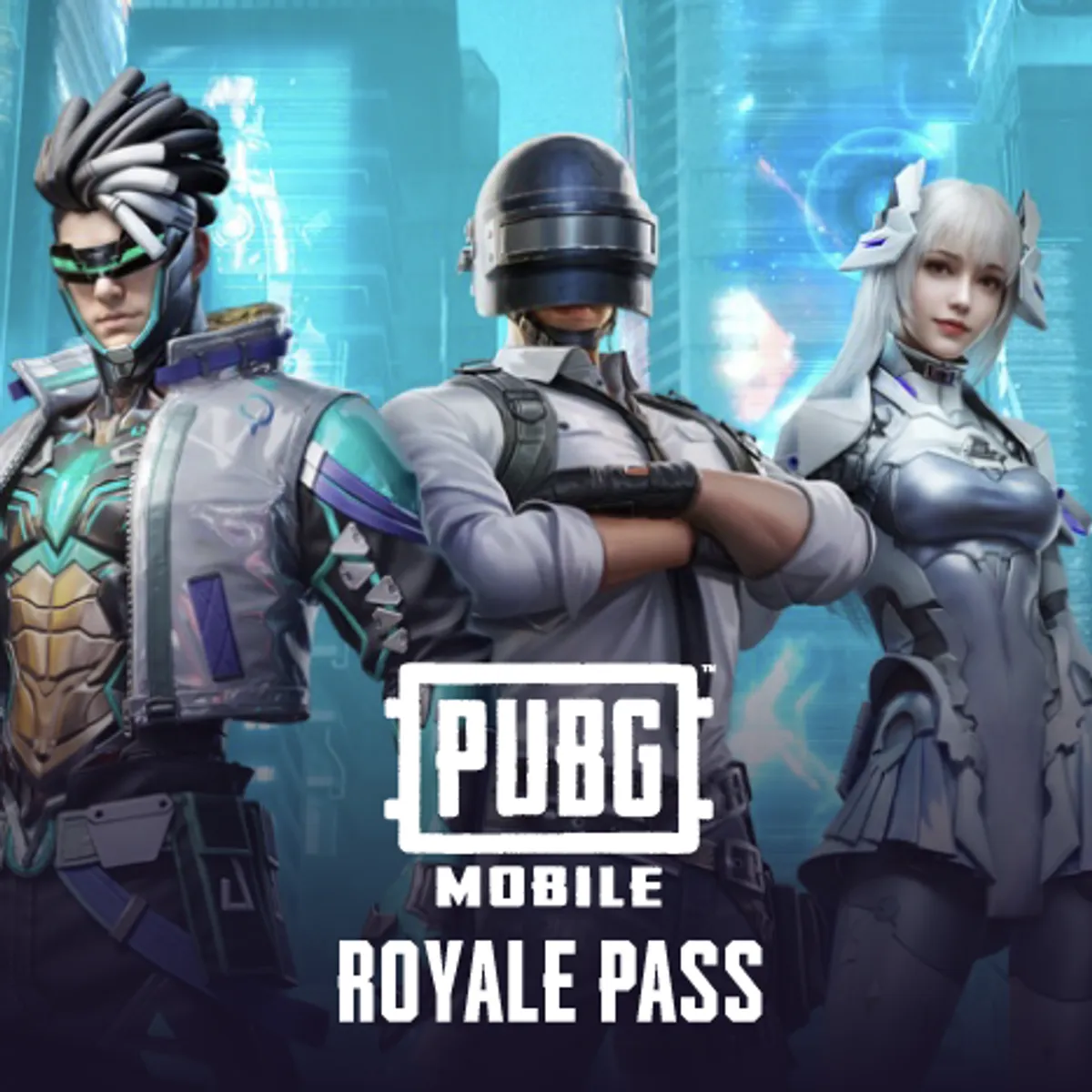
Can I use UC for the Royale Pass directly? Yes. UC is the universal currency in PUBG Mobile — Royale Pass, crates, the Mythic Forge, the Lucky Spin, the rating protection cards — all priced in UC. Buy UC, then spend it in-game on whatever you want. See our PUBG Mobile Royale Pass page if you'd prefer a card pre-priced for a pass tier.
Do the cards expire? Card codes don't expire — you can buy now and redeem later. Once redeemed, the UC is permanent in your account.
Is there a refund if redemption fails? Yes. If a card legitimately fails to deliver UC (which is rare — we'd guess under 0.1% of redemptions), email hello@octopuscards.io with your Driffle order ID and the redemption error. We refund through Driffle.
The Short Version
Pick a UC denomination on the PUBG Mobile UC page, pay on Driffle, redeem at claim.octopuscards.io with your Player ID, and the UC appears in your account. No passwords shared, no logins handed over, no waiting. If anything goes wrong, hello@octopuscards.io gets a real human reply — usually within a few hours.
See also: How to Top Up Free Fire Diamonds for the same flow on Free Fire, or Are Online Gift Cards Safe? for a broader look at avoiding scams.
License
This article is licensed under CC BY-NC-SA 4.0. You are free to:
- Share — copy and redistribute the material in any medium or format
- Adapt — remix, transform, and build upon the material
Under the following terms:
- Attribution — You must give appropriate credit, provide a link to the license, and indicate if changes were made. You may do so in any reasonable manner, but not in any way that suggests the licensor endorses you or your use.
- NonCommercial — You may not use the material for commercial purposes.
- ShareAlike — If you remix, transform, or build upon the material, you must distribute your contributions under the same license as the original.
Buy what this post is about

Ready to get a card?
Browse Octopus Cards on Driffle — gaming top-ups, mobile recharges, and travel eSIMs at a discount, delivered instantly.
Related posts
Where to Buy Cheap Roblox Gift Cards & Robux Online (2026)
A practical guide to buying Roblox gift cards and Robux online — denominations, Premium membership, how redemption works, and how to avoid the scam ecosystem around "free Robux".
How to Top Up Free Fire Diamonds — A Complete Guide (2026)
Three ways to top up Free Fire Diamonds, what each denomination unlocks, how to redeem an Octopus Card, and how to avoid the common mistakes that lose people their money.
Mobile Legends Diamonds: The Complete 2026 Top-Up Guide
How to buy Mobile Legends Diamonds online — denominations, skins, the Magic Wheel, region-specific quirks, and how to redeem an Octopus Card to your MLBB account.